
Tracking guide
Where to Find Your DHgate Tracking Number (My Orders Guide)
·DHgate Tracking
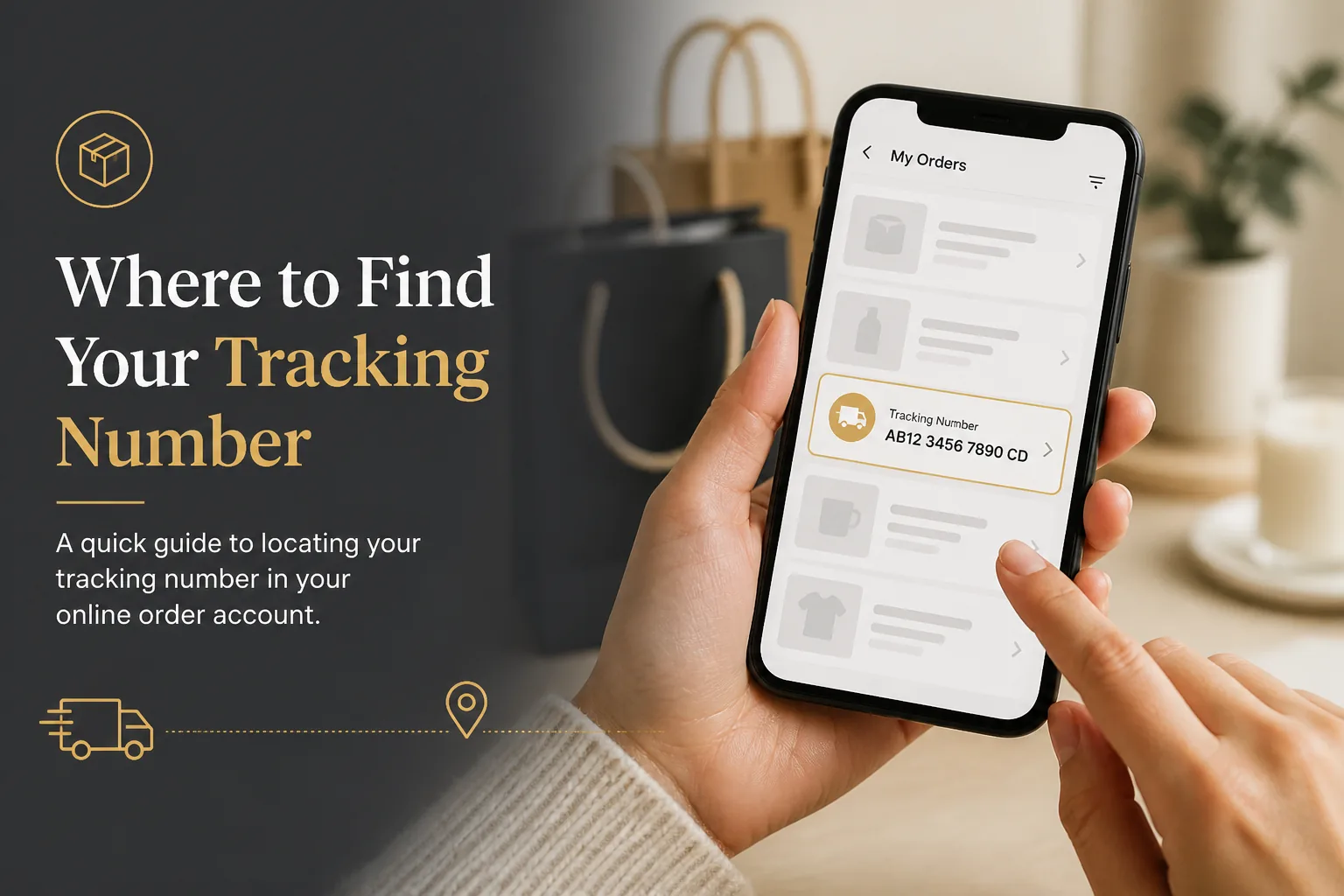
The most searched DHgate tracking question after “how long does shipping take” is simple: Where is my tracking number? Sellers mark orders as shipped, emails get buried, and the logistics line in My Orders can be easy to miss — especially on mobile.
This guide shows exactly where to find your DHgate tracking number on the website and app, what to do if it’s missing, and how to track it once you have it on DHgateTracking.org.
Quick Answer
- Log in to DHgate
- Open My Orders
- Select the shipped order → Order Details / View Logistics
- Copy the Tracking Number (and note the carrier if shown)
- Paste it into DHgateTracking.org for a multi-carrier timeline
If no number appears yet, wait for the seller’s first scan window — often 24–72 hours after “shipped,” sometimes longer on economy lanes.
Find Your Tracking Number on the DHgate Website
Step-by-step
- Go to DHgate.com and sign in
- Click your account menu → My Orders
- Find the order with status Shipped, In transit, or similar
- Open Order Details
- Look for Logistics Tracking, Tracking Number, or View Logistics
- Copy the full number carefully (no spaces)
Tip: Screenshot the logistics page. If the seller later changes the number or adds a last-mile code, you’ll have a paper trail for disputes.
Find Your Tracking Number in the DHgate App
- Open the DHgate app and log in
- Tap Account → My Orders
- Select the shipped order
- Tap Track Order, Logistics, or View Details
- Copy the tracking number shown under shipping / logistics
If the app only shows “shipped” without a code, pull down to refresh or check the web version — app and desktop sometimes update at different speeds.
Other Places the Number May Appear
- Shipping confirmation email from DHgate or the seller
- Seller messages / chat — common for combined or special shipments
- Order remarks after a logistics update
- A second (last-mile) number once the parcel clears customs (USPS, Royal Mail, etc.)
When a new local number appears, track both codes on DHgateTracking.org.
What DHgate Tracking Numbers Look Like
Formats vary by carrier. Common patterns include:
| Pattern example | Often associated with |
|---|---|
Letters + digits ending in CN (e.g. RMxxxxxxxxxCN) | China Post–style / postal economy |
| Alphanumeric starting with carrier tags | Yanwen, YunExpress, 4PX, and similar |
| Long numeric (often starting with 9) | USPS last-mile after handoff |
| Express air waybills | DHL / FedEx / UPS style codes |
You don’t need to guess the carrier perfectly — universal trackers detect many formats automatically. Related: Yanwen & YunExpress on DHgate.
Tracking Number Missing After “Shipped”?
This is extremely common on Reddit threads about DHgate.
Normal reasons
- Seller created a label but the warehouse hasn’t scanned yet
- Combined shipping still being packed
- Economy methods delay the first public scan
- App cache showing an old status
What to do
- Wait 3–7 days after the shipped notice for a usable number/scan
- Message the seller: ask for the tracking number + carrier name
- If still blank near the end of processing promises, escalate in chat
- If buyer protection is ending with no valid tracking, prepare a dispute
Also read: tracking shows no updates yet.
How to Track Once You Have the Number
- Copy the tracking number from My Orders
- Open DHgateTracking.org
- Paste the number → Track Package
- Optionally Choose Carrier if you know it (Yanwen, YunExpress, USPS, etc.)
- Watch for destination-country and out-for-delivery events
For the full walkthrough, see how to track your DHgate order in 2026.
FAQs
Why does DHgate say shipped but there’s no tracking number?
The seller may have marked the order shipped before the carrier’s first scan. Give it a few days, then ask the seller for the logistics code.
Can I track without logging into DHgate?
Yes — once you have the number, you can track on DHgateTracking.org or other universal trackers without staying logged into the marketplace.
What if I only see a logistics company name?
Message the seller for the actual tracking number. A carrier name alone is not enough for accurate tracking.
Will I get a new tracking number after customs?
Often yes. International parcels frequently transfer to a local postal or courier network with a second number. Keep both.
Conclusion
Your DHgate tracking number lives in My Orders → Order Details → Logistics. Copy it as soon as it appears, verify it on DHgateTracking.org, and save screenshots for support or disputes. If the number never shows up, treat that as a seller/logistics issue — not something you can fix by refreshing forever.